 TTViewer
Searched account
The lookup began with @tiktok. That handle identifies the account whose public repost action was being inspected; it does not automatically identify the author of every returned video.
Enter a public TikTok username or profile URL to review reposted videos returned for that account. No TikTok login, browser extension or app installation is required.
TTViewer only shows information returned publicly. Availability varies by account, region and TikTok data access.

A TikTok repost is a video that a user chooses to recommend again rather than an ordinary upload created on that profile. That distinction matters: a creator’s Posts tab describes what they published, while a repost list can reveal the public videos they found useful, entertaining or worth amplifying. TTViewer uses a dedicated repost request and never fills an unavailable repost feed with the account’s normal posts.
The TikTok repost viewer is designed for people who want a quick browser-based view of public repost activity. You can enter a username with or without the @ symbol, or paste a complete TikTok profile URL. TTViewer resolves the account, requests the repost dataset and presents only the records returned as public. You do not need to connect your TikTok account, share a password or install software.
Reposts are useful context, but they should not be treated as a complete record of someone’s interests. TikTok can limit which items are available by account, region or time, and a user can change privacy settings or remove a repost. TTViewer therefore shows the available result rather than claiming to recover deleted activity, unlock private profiles or provide a permanent history.
Dedicated search intent: Use this TikTok repost viewer to inspect videos a searched public account is shown as amplifying and to trace each item to its original creator. It is not a profile-post grid, downloader, private repost unlocker or permanent activity archive.
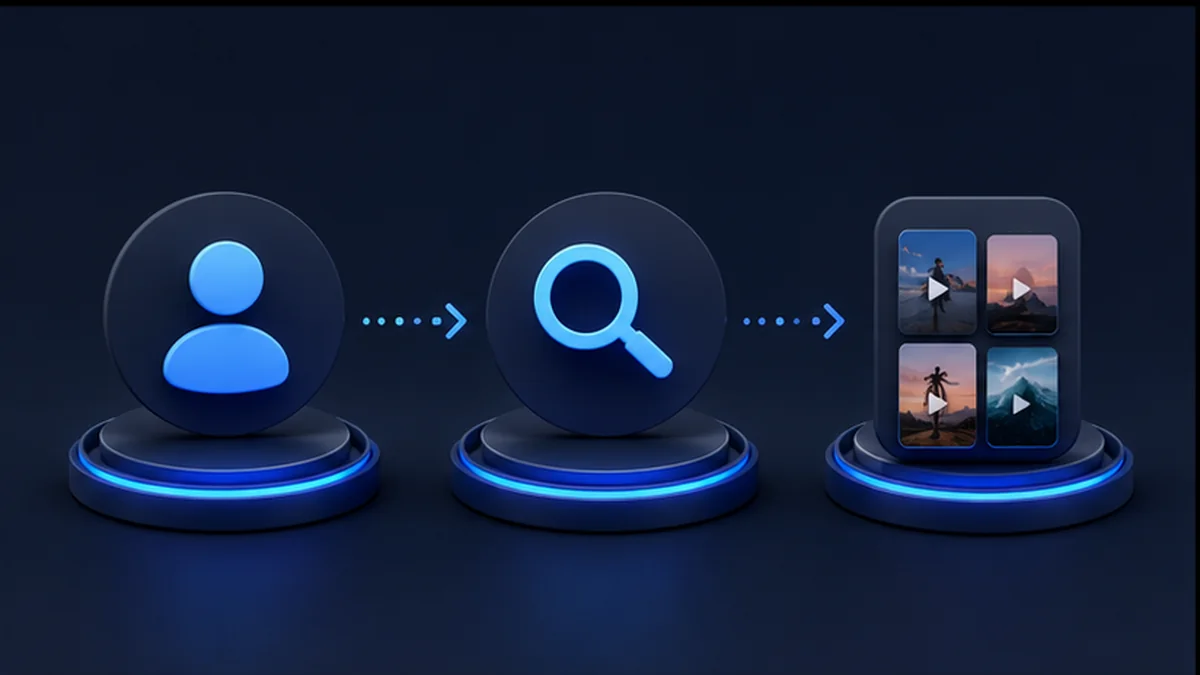
Paste a TikTok username, an @username or the complete public profile URL. Never enter a password or authentication code.
TTViewer resolves the public account and requests its dedicated data mode. It does not substitute a different public dataset when the requested information is unavailable.
Browse each available repost with its original creator, caption, preview, date and visible engagement. Request another page only when you want to continue.
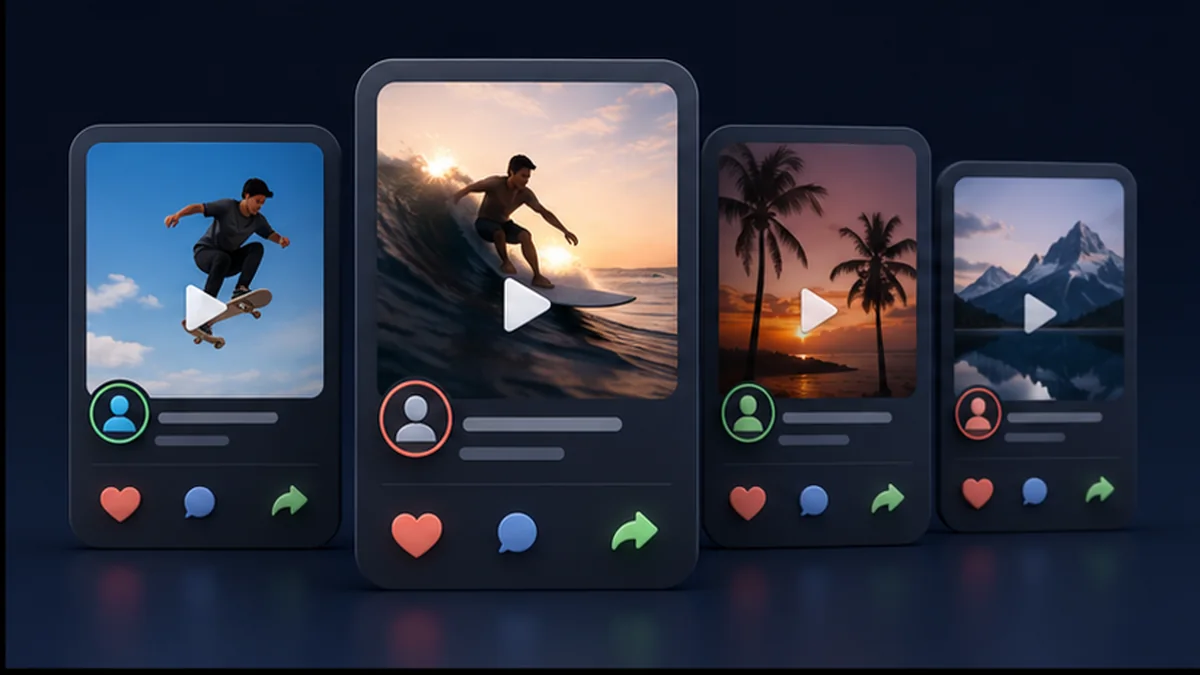
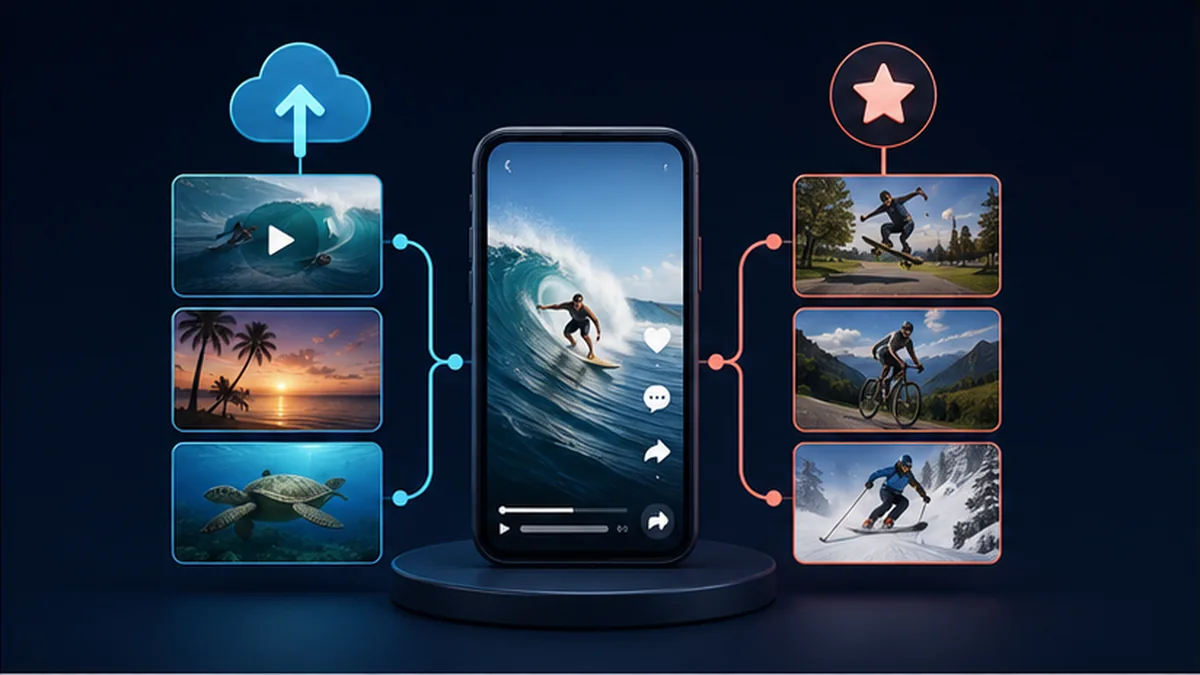
A creator’s uploads show what they make; reposts show which public videos they choose to pass along. Reviewing both can help you notice recurring topics, formats, sounds and creators that influence a niche. Use those observations as research signals, not as proof of a private opinion or relationship.
Reposted videos can surface a format before it appears in a creator’s own content. Marketers and creators can compare several public accounts and note repeated hooks, editing styles or themes. The source link helps you return to the original video for proper context instead of judging only a thumbnail.
Reposts are recommendations of somebody else’s content. TTViewer keeps the original author visible where the provider returns it, helping you distinguish the reposter from the person who published the video. That is valuable for attribution, creator discovery and checking the source before sharing.
If you do not use the TikTok app, the viewer offers a straightforward way to inspect public reposts from a desktop or mobile browser. The search itself does not like, follow, comment or trigger a repost. Opening a source on TikTok is a separate action controlled by you.

The author card identifies the public account associated with the source video when that information is available. This is not necessarily the account you searched: the searched account reposted the item, while the named creator originally published it.
The visible caption and media preview help you identify the subject before opening the source. Captions can be shortened by the upstream response, and a preview URL may expire, so use the original TikTok link when you need the latest version.
Likes, comments, views and shares may be displayed when returned publicly. These figures are snapshots, not live analytics, and can change after the page loads. They are useful for rough comparison but should not be represented as an audited performance report.
TTViewer loads a limited page first to control speed and API cost. If more data is reported, the Load more action requests the next cursor and removes duplicate video IDs at page boundaries. Reaching the limit does not mean the viewer has reconstructed a complete lifetime archive.
A live TTViewer request for the public @tiktok account on August 28, 2026 returned a repost feed whose authors were different from the searched account. That makes it a useful example of the reposter → source video → original creator relationship.
The lookup began with @tiktok. That handle identifies the account whose public repost action was being inspected; it does not automatically identify the author of every returned video.
The TikTok repost viewer returned source videos attributed to accounts including @thedodo, @alexwarren and @tiktok_kr. Keeping those handles visible prevents a repost from being mislabeled as an @tiktok upload.
At retrieval time, one @thedodo source showed 11,593 views and 452 likes, while an @alexwarren source showed 1,513,758 views and 134,923 likes. The response also reported another page, so the first set was not presented as a complete archive.
Reposts, captions and engagement can change or disappear. Re-run the TikTok repost viewer and open the original source before treating a dated observation as current.
Open one observed original creator, @thedodo, on TikTok
This mode depends on data TikTok exposes for a particular public account. An empty result does not prove that no activity exists; the list may be hidden, restricted or temporarily unavailable.
Results are cached briefly to reduce repeated requests and operating cost. A cached result can therefore be a few minutes behind the current TikTok profile.
Private repost activity is not accessible. TTViewer does not sign in as you, follow an account or repost a video on your behalf.
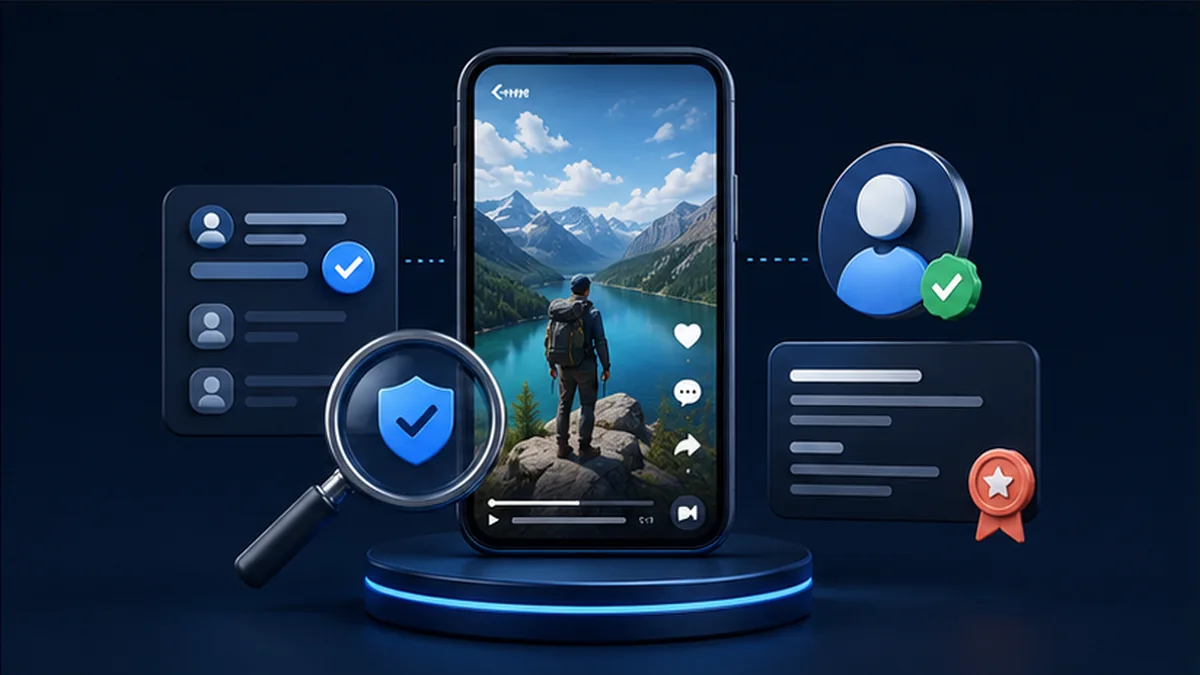
Check the avatar, display name and @username before interpreting results. Similar display names are common, while the username is the more reliable identifier.
Use the Profile or Posts mode to separate original uploads from reposted material. That comparison prevents a recommended video from being mistakenly attributed to the searched creator.
Open the original TikTok page when context matters. Captions, availability and engagement can change, and a repost alone does not explain why the account shared it.
The profile may have no publicly exposed reposts, the account may be private, the username may be wrong, or TikTok may not expose the list for that account or region. Try a known public account before assuming the tool is unavailable.
TikTok media URLs can be signed and short-lived. Refresh the search to request current data, or open the source link on TikTok. TTViewer caches JSON briefly but does not store a permanent copy of the video file.
Public repost endpoints can return only an available window and may change between requests. Use Load more when offered, but do not treat the result as a guaranteed chronological archive of every repost.
Learn what this viewer can access, why public results vary and how to interpret the returned information responsibly.
Try a public search
Yes. TTViewer currently provides the public repost viewer free of charge, with reasonable request and pagination limits that help control abuse and upstream API cost.
No. You can search public data without signing in to TikTok or TTViewer. Never enter a TikTok password, verification code or session cookie into the search box.
No. TTViewer does not bypass privacy controls. A private, restricted or unavailable repost list cannot be unlocked by this tool.
No. The repost mode uses its own data route. If that route returns no reposts, TTViewer shows an empty or unavailable state rather than relabeling the creator’s normal posts.
TTViewer does not log in with your TikTok identity or perform an interaction such as liking, following or reposting. However, if you leave TTViewer and interact on TikTok, TikTok’s own account and privacy settings apply.
The user may have removed the repost, the source video may have been deleted or restricted, or the public provider may no longer return it. Brief caching can also cause two searches made minutes apart to differ.
TTViewer may provide the public source or playable media link returned for a result, but availability varies. Respect the creator’s rights and TikTok’s terms; do not republish content without permission.

Illustration of public short-video repost activity arranged around a phone. Enter a public username whenever you are ready.