 TTViewer
TikTok Comment Viewer
Search a public creator, select one of the returned videos and read the comments and replies that are currently available as public data.
TTViewer only shows information returned publicly. Availability varies by account, region and TikTok data access.

Why a TikTok comment viewer starts with one video
TikTok comments contain the questions, reactions and disagreements that sit underneath a video. A view or like count tells you how much activity occurred, but the conversation explains what people noticed. TTViewer’s TikTok comment viewer lets you search a public profile, choose a specific public post and then request its available comments without signing in.
The workflow deliberately begins with the creator rather than pretending every username has one combined comment feed. Comments belong to individual videos, so TTViewer first displays public posts and asks you to select the video you actually want to study. Top-level comments are loaded on demand, and replies are requested separately when a comment reports a public reply thread. This keeps the result understandable and avoids unnecessary API calls.
The tool is useful for casual reading, content research and checking audience questions, but it is not a complete moderation archive. TikTok can rank, filter, delete or restrict comments, and the public provider may expose only part of a large thread. TTViewer identifies these boundaries instead of promising every comment, private discussion or deleted response.
Dedicated search intent: Use this TikTok comment viewer for one public video discussion at a time: resolve the creator, choose the post, read its top-level comments and open replies on demand. It is not an account-wide comment history, moderation export or sentiment score.
Move from creator to post to thread in the TikTok comment viewer
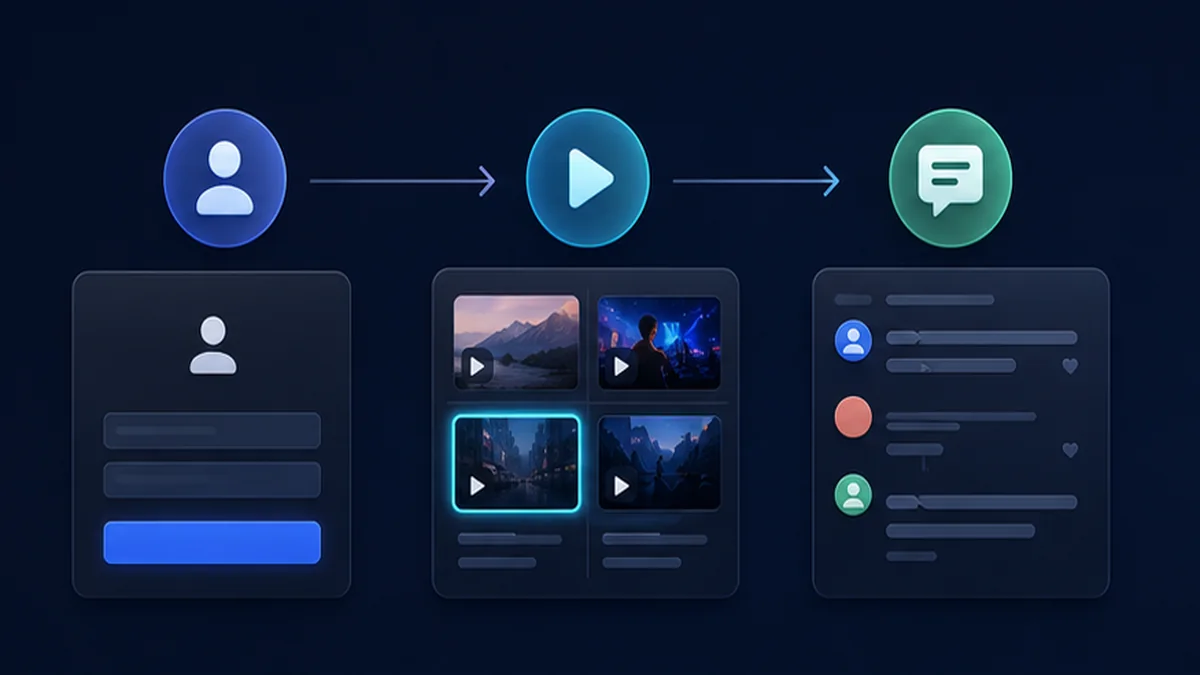
Enter a public profile
Paste a TikTok username, an @username or the complete public profile URL. Never enter a password or authentication code.
Run the TikTok comment viewer
TTViewer resolves the public account and requests its dedicated data mode. It does not substitute a different public dataset when the requested information is unavailable.
Review public results
Read public comment text, author, date, visible likes and reply count. Replies are requested only after you open a conversation that reports them.
Use public discussion as qualitative evidence, not a complete survey
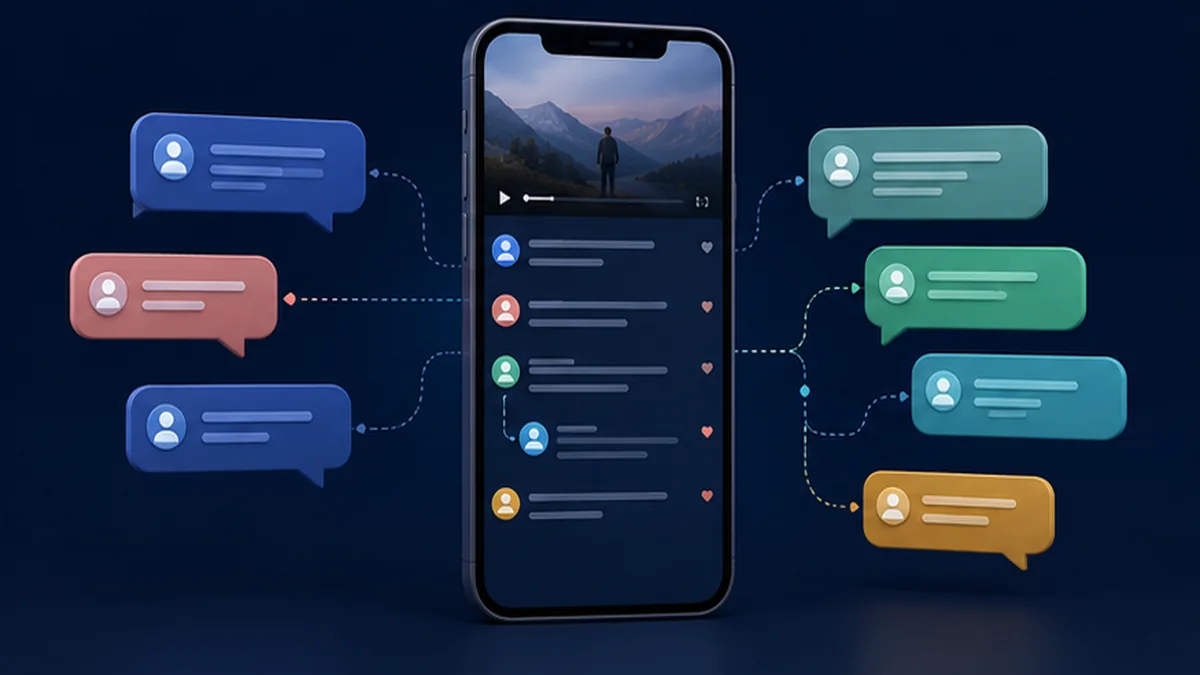
Understand why a video connected
Numbers show reach; comments reveal the audience’s language. Look for repeated praise, confusion, jokes, objections or requests. Several similar comments can suggest which moment, claim or product detail attracted attention, although the visible sample should not be treated as a scientific survey.
Collect real audience questions
Creators and marketers can use public questions to plan follow-up videos, help articles, product FAQs or clearer captions. Record the wording people actually use and then verify the underlying issue. Do not copy personal information or turn an individual comment into a broader claim without evidence.
Follow public reply conversations
A top-level comment can be misleading without its replies. When a visible reply count is returned, open that thread to see the public responses available from the provider. This helps distinguish a standalone reaction from an answered question or a longer discussion.
Review your own public post externally
Viewing your own video through a browser-based tool can show how public information appears outside your logged-in TikTok experience. It is a useful spot check for visible comments and engagement, but TikTok’s creator tools remain the authoritative place for moderation and complete account analytics.
Interpret every TikTok comment viewer field in its video context
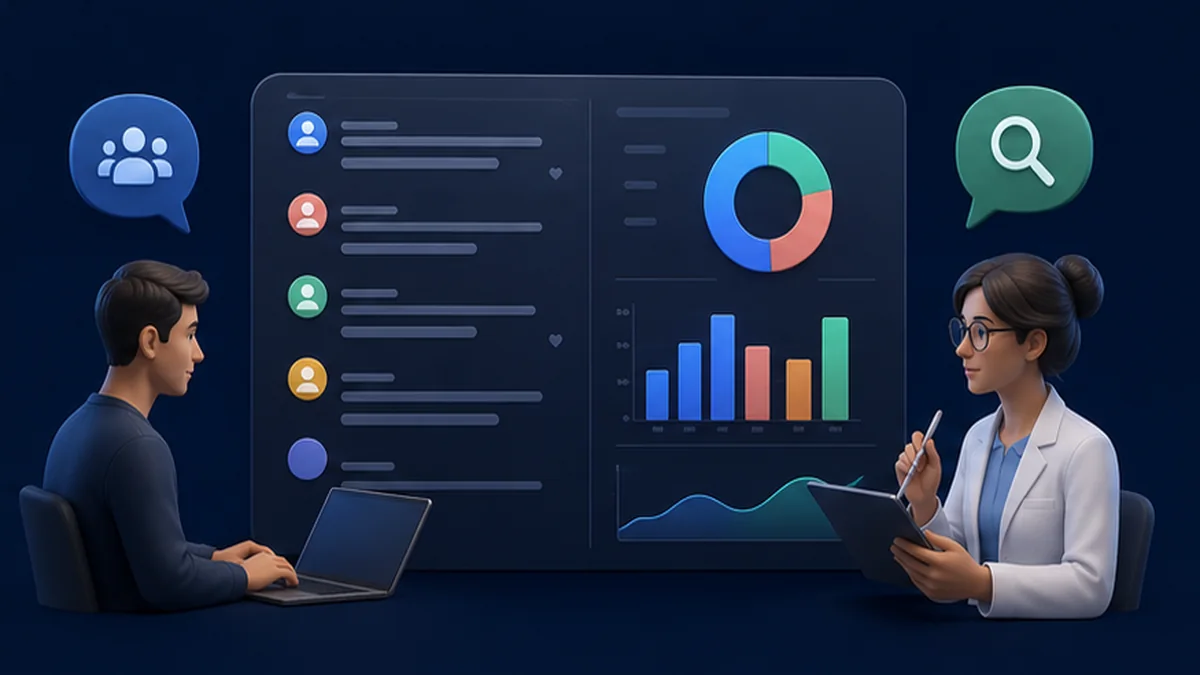
Comment text and author
Each result can include the public text, display name, username and avatar returned with the comment. A display name is not a verified identity. Open the public profile when you need to distinguish similar names, and avoid using the tool to target or harass participants.
Time and visible likes
The comment date places a reaction in context, while visible likes indicate how other viewers responded. Counts can change and timestamps may be normalized for display. They are snapshots from the public response, not a live or independently audited metric.
Reply count and reply pages
A reply count signals that TikTok reports responses under a comment. Selecting the thread requests the available replies separately. The number displayed by TikTok and the number retrievable publicly may differ because replies can be hidden, deleted or returned in paginated batches.
Video context
TTViewer keeps comments connected to the selected video. Check the caption, creator and thumbnail before interpreting a discussion. The same phrase can mean something very different on another post, so do not combine comments from unrelated videos as if they were one conversation.

Availability varies
This mode depends on data TikTok exposes for a particular public account. An empty result does not prove that no activity exists; the list may be hidden, restricted or temporarily unavailable.
Short-lived caching
Results are cached briefly to reduce repeated requests and operating cost. A cached result can therefore be a few minutes behind the current TikTok profile.
Public information only
Only comments returned as public are displayed. Deleted, filtered, restricted and private interactions are not accessible through TTViewer.
Build a responsible TikTok comment viewer sample

Choose the right post first
Confirm the thumbnail, caption and date before opening comments. This avoids analyzing reactions from a similarly titled or pinned video by mistake.
Look for patterns, not one outlier
Repeated questions or objections are usually more useful than a single highly visible comment. Compare wording and context before drawing conclusions.
Keep research ethical
Use public discussion for legitimate research or reading. Do not expose personal details, organize harassment or assume that a commenter represents an entire audience.
Why TikTok comment viewer threads may be partial or reordered
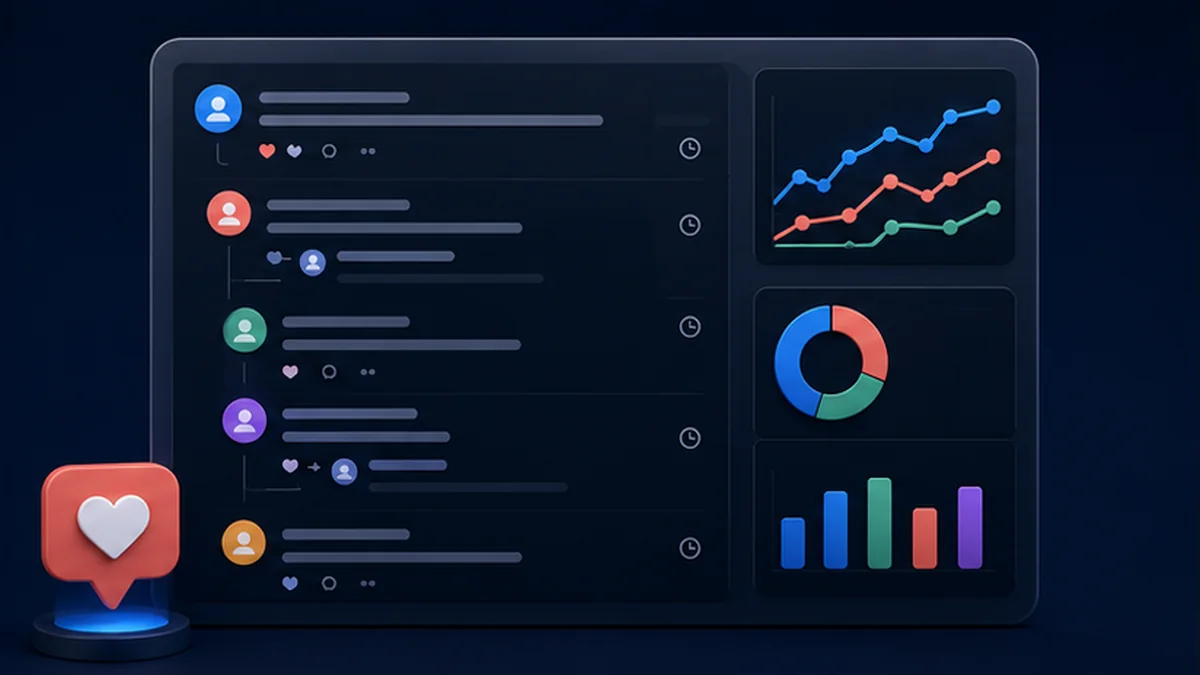
Comments are empty
Comments may be disabled, the video may be private or restricted, no public comments may exist, or TikTok may not expose the thread to the provider. Select another clearly public post to separate a video-specific restriction from a temporary service issue.
Some replies are missing
A displayed reply total is not a guarantee that every reply can be fetched publicly. Deleted, filtered and region-restricted replies may remain absent, and large conversations can require additional pages.
The latest comment is not first
TikTok may return ranked comments rather than a strict newest-first archive. TTViewer displays the order supplied by the public data route and does not claim that the first item is the newest or most representative.
TikTok Comment Viewer FAQ
Learn what this viewer can access, why public results vary and how to interpret the returned information responsibly.
Try a public search
Is the TikTok comment viewer free?+
Yes. The current public comment viewer is free, with reasonable rate and pagination limits to keep the service available and control upstream cost.
Can I paste a TikTok video URL directly?+
The current workflow is profile-first: enter a public username or profile URL, then select the returned video. This prevents comments from being mixed across posts and makes the selected context clear.
Do I need to log in to TikTok?+
No. TTViewer does not ask for a TikTok login, password, verification code or session cookie to read comments returned as public.
Can TTViewer show deleted or hidden comments?+
No. Deleted, creator-filtered, private or otherwise unavailable comments cannot be recovered by the viewer.
Does the creator know that I read the comments?+
TTViewer does not access TikTok through your account or post an interaction. If you open TikTok and like, reply, follow or otherwise interact there, TikTok’s normal behavior and settings apply.
Are all replies loaded automatically?+
No. Replies cost an additional data request and are loaded only when you choose a top-level comment that reports replies. This reduces unnecessary requests and keeps the initial result faster.
Can I use comments for sentiment analysis?+
You can use visible comments as a qualitative research sample, but the public result may be incomplete or ranked. Avoid presenting it as complete audience sentiment unless you use a documented sampling and analysis method.

Explore public TikTok data with TikTok Comment Viewer
Illustration of public comments and reply threads around a short-video phone. Enter a public username whenever you are ready.
Real TikTok comment viewer example: one @tiktok post
TTViewer checked a recent public @tiktok post on August 28, 2026, then requested comments only after that exact video was selected. The example preserves the workflow and aggregate fields without republishing random commenters’ handles or full messages.
1. Fix the video context +
The selected post was video 7678745502359342366, a TikTok feature about Bella Kay. At lookup time its public card showed 43,677 views, 1,258 likes and 239 comments. Those totals identified the post before any thread was interpreted.
2. Read returned comments as a sample +
The TikTok comment viewer returned public top-level rows with comment text, author data, visible likes and reply counts. The first page included both reactions and unrelated account-support questions, showing why a few comments should not be labeled complete audience sentiment.
3. Open replies only where reported +
Some returned comments reported one or two replies while another reported none. That field tells the interface when a public reply request is meaningful; it does not guarantee that every reply counted by TikTok will remain retrievable.
The post and comment figures are a dated snapshot. Re-run the TikTok comment viewer for current public results, and avoid exposing individual commenters when an aggregate example answers the research question.
Open the selected public @tiktok video on TikTok