 TTViewer
Start node: @tiktok
The searched profile is the subject. A TikTok following viewer asks which account records are returned on the subject’s outgoing side; it does not ask who follows the subject.
Search a public TikTok profile and review accounts returned by the dedicated following-list endpoint. No TikTok login or account connection is needed.
TTViewer only shows information returned publicly. Availability varies by account, region and TikTok data access.

The Following number on a TikTok profile shows how many accounts that user follows, while the following list identifies individual accounts TikTok currently makes available. TTViewer’s TikTok following viewer requests that dedicated list for a public profile. It does not guess relationships from likes, comments, duets, reposts or similar content, so unavailable following data stays clearly unavailable.
Enter a username with or without the @ symbol, or paste the complete public profile URL. TTViewer resolves the profile and displays the following accounts returned as public data, including available usernames, names, avatars, bios and public statistics. You do not need to sign in, install an extension or grant access to your TikTok account.
A following list can offer useful discovery context, but it is not a statement of endorsement, friendship or current interest. People follow accounts for many reasons, and public lists can be limited, reordered or hidden. TTViewer presents a current snapshot and explains those boundaries rather than claiming to reveal private relationships or a complete historical record.
Dedicated search intent: Use this TikTok following viewer to trace the outgoing relationship from one searched public account to accounts it follows. It is deliberately separate from the follower viewer, which points in the opposite direction, and it is not a recent-follow tracker or private network map.
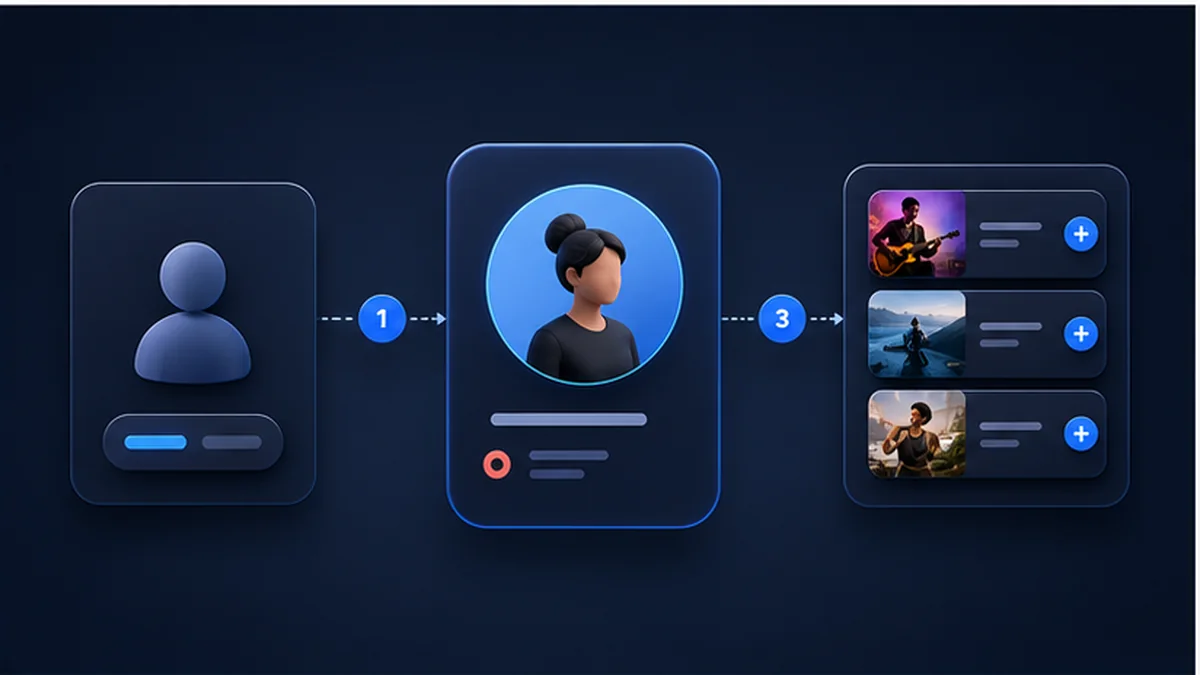
Paste a TikTok username, an @username or the complete public profile URL. Never enter a password or authentication code.
TTViewer resolves the public account and requests its dedicated data mode. It does not substitute a different public dataset when the requested information is unavailable.
Browse public account cards for the available following relationships and request another page manually. Duplicate profiles are removed when page boundaries overlap.
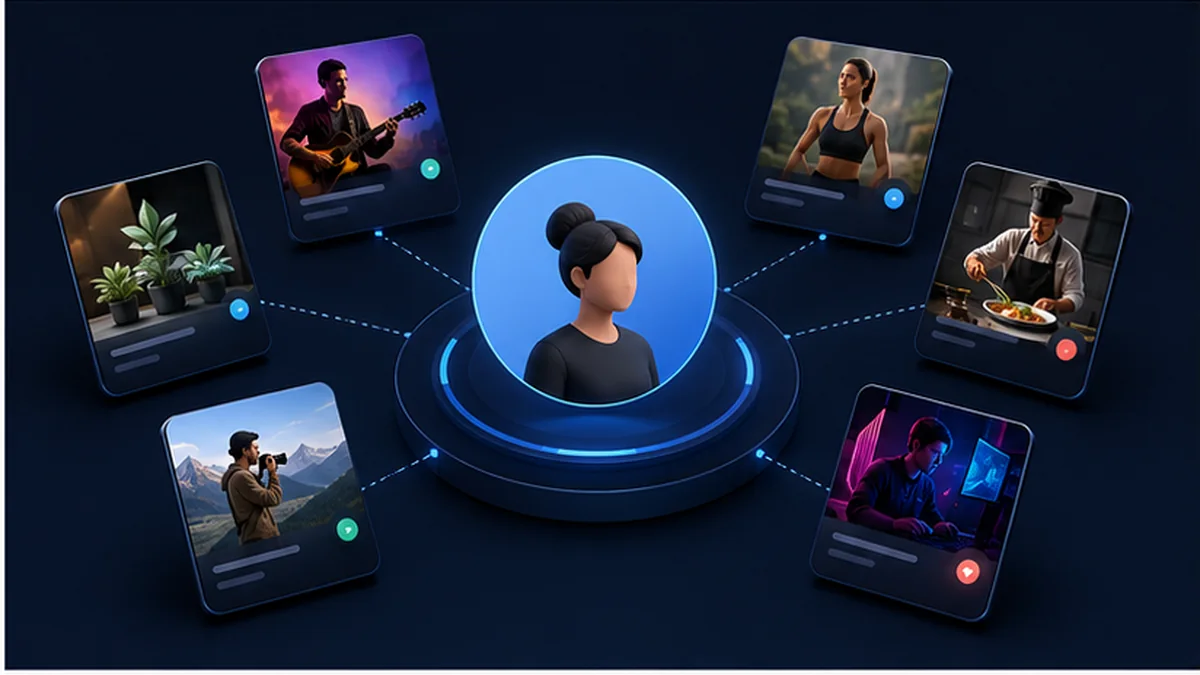
Public following networks can reveal creators, publications, brands or community accounts connected to a topic. Review bios and public profiles to discover relevant sources. The fact that one account follows another is a discovery signal—not proof of collaboration, approval or a personal relationship.
Creators often follow peers, trend sources and specialist accounts. Comparing the visible following list with recent posts and reposts can help identify where topics or formats may circulate. Keep conclusions modest because list coverage and ordering are not guaranteed.
Search your own public username to see what an unauthenticated visitor may be able to retrieve. If the visible list is broader than expected, adjust privacy controls in the official TikTok app. TTViewer cannot change those settings for you.
Followers are accounts that follow the searched profile; following accounts are profiles the searched user follows. These are opposite relationship directions. Using the dedicated viewer for each prevents audience members from being confused with the creator’s chosen following network.

The profile total and the retrievable list are separate. A total may remain visible when individual relationships are withheld, and the provider may return only a limited page. TTViewer never calculates missing accounts or claims that the displayed set equals the full total.
Each result can include a display name, @username and avatar. Usernames are more useful for distinguishing accounts because display names can be duplicated. Always open the public profile for confirmation before citing or contacting an account.
Where available, cards show public bio text, verification and visible counts. These fields help with initial discovery but can change at any time. A missing bio or count can reflect an incomplete response rather than an empty TikTok profile.
Following records are returned in pages. The Load more action uses the next cursor when one exists, while TTViewer removes repeated user IDs that can appear where pages overlap. If no cursor is returned, the tool cannot safely invent another page.
TTViewer queried the public @tiktok account on August 28, 2026. The following route returned public account cards including @tiktokcreators, @brittany_broski and @miagillespiee, so every relationship in this example points away from @tiktok.
The searched profile is the subject. A TikTok following viewer asks which account records are returned on the subject’s outgoing side; it does not ask who follows the subject.
Each returned card represents a public following relationship supplied by the route. The returned order was preserved, but it was not labeled newest-first and should not be rewritten as a follow timeline.
The response exposed three named public profiles and no next page. Its profile-level following total was captured through a separate request and did not align perfectly, demonstrating why route timing and cache differences must be disclosed rather than silently reconciled.
Following data can be limited, reordered or updated on a different schedule from profile totals. Re-run the TikTok following viewer before citing a relationship, and never treat a follow as proof of endorsement or friendship.
Open the searched @tiktok profile to verify its current public state
This mode depends on data TikTok exposes for a particular public account. An empty result does not prove that no activity exists; the list may be hidden, restricted or temporarily unavailable.
Results are cached briefly to reduce repeated requests and operating cost. A cached result can therefore be a few minutes behind the current TikTok profile.
Hidden or private following relationships remain unavailable. TTViewer does not follow, unfollow or interact with any account on your behalf.
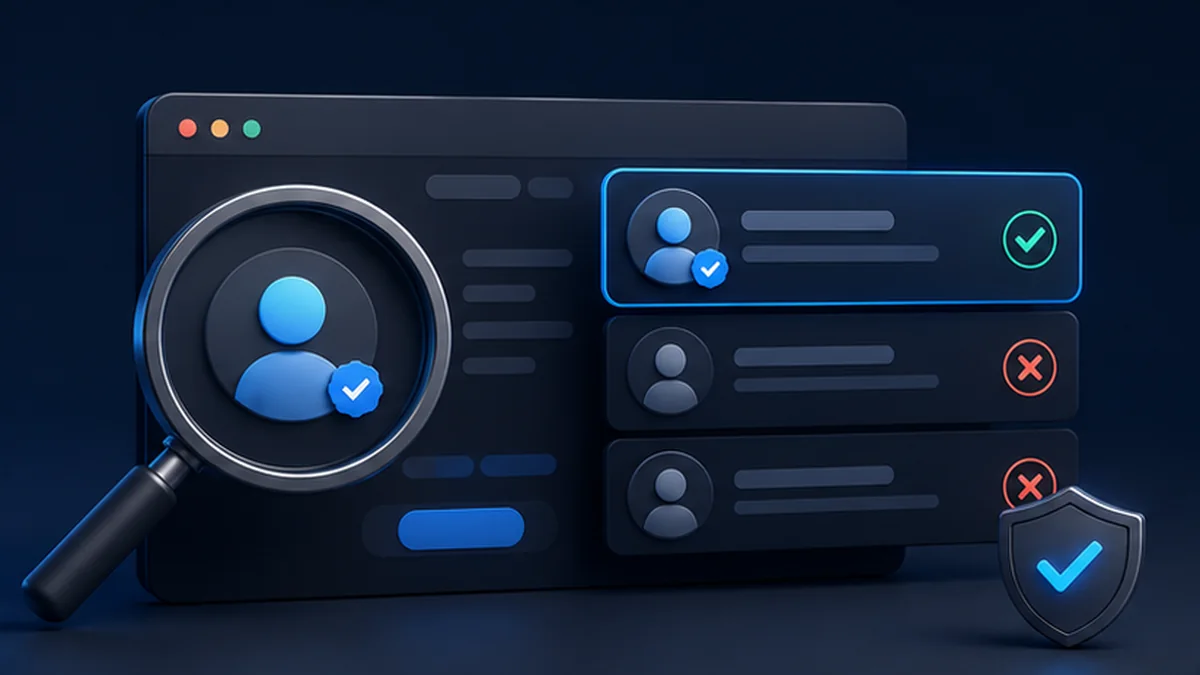
Before drawing a conclusion, confirm that you are viewing Following rather than Followers. The labels describe opposite sides of the relationship.
Treat the list as a discovery surface. Open the relevant public TikTok profile to confirm identity, current bio and content before using the information.
A follow can be old, casual, professional or accidental. Combine it with public content evidence and never present it alone as proof of affiliation.

TikTok can expose a public count while hiding individual accounts. Privacy settings, regional restrictions or provider availability can all produce this state. TTViewer reports it instead of generating a list from unrelated activity.
The relationship may have changed, the expected profile may be private or suspended, or it may fall outside the pages currently returned. A missing result is not proof that the account was never followed.
Following relationships and public availability can change, and TTViewer uses short-lived caching. After the cache expires, a fresh request may show a different order or set. This is normal for a changing public snapshot.
Learn what this viewer can access, why public results vary and how to interpret the returned information responsibly.
Try a public search
Yes. TTViewer currently provides the public following viewer free, with reasonable rate, cache and pagination limits.
Followers are accounts that follow the searched user. Following means accounts the searched user follows. TTViewer provides separate modes because the relationship direction and search intent are different.
No. TTViewer processes only data returned publicly and does not bypass privacy settings, authentication or access controls.
Not necessarily. TTViewer preserves the order returned by the provider and does not claim that it represents a complete newest-first history.
TTViewer does not connect your TikTok identity or perform a social interaction. If you open TikTok and follow, like, comment or message there, TikTok’s normal behavior applies.
The total and public list are separate data points. TikTok may limit pages, hide relationships or stop returning a cursor, so the accessible list can be much smaller than the displayed total.
It can show a publicly returned follow relationship at the time of the request, but it does not establish friendship, partnership, endorsement or intent. Verify important claims with additional reliable evidence.

Illustration of a public profile connected to accounts it follows. Enter a public username whenever you are ready.